Understand the analysis result
The result starts with a summary: the most likely cause, how sure the analysis is and who usually fixes it. You can then open the full result, with the step-by-step.
When you'll need this
After the analysis of your report finishes, on the problem screen (the home's “Problems” tab, or in “Today”).
Step by step
Read the summary, marked “Free summary · ready”. It shows the “Most likely cause” and the confidence: “High confidence”, “Medium confidence” or “Low confidence”.
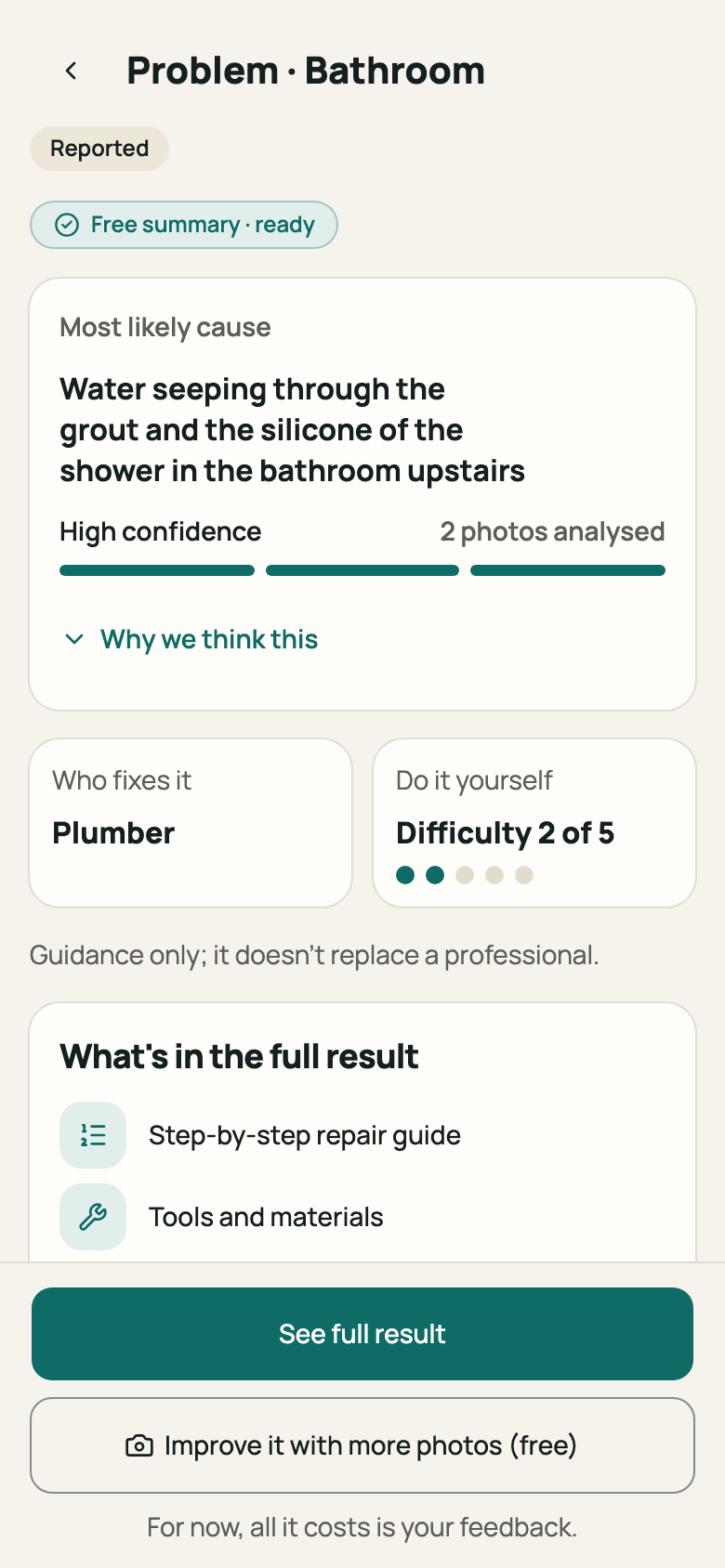
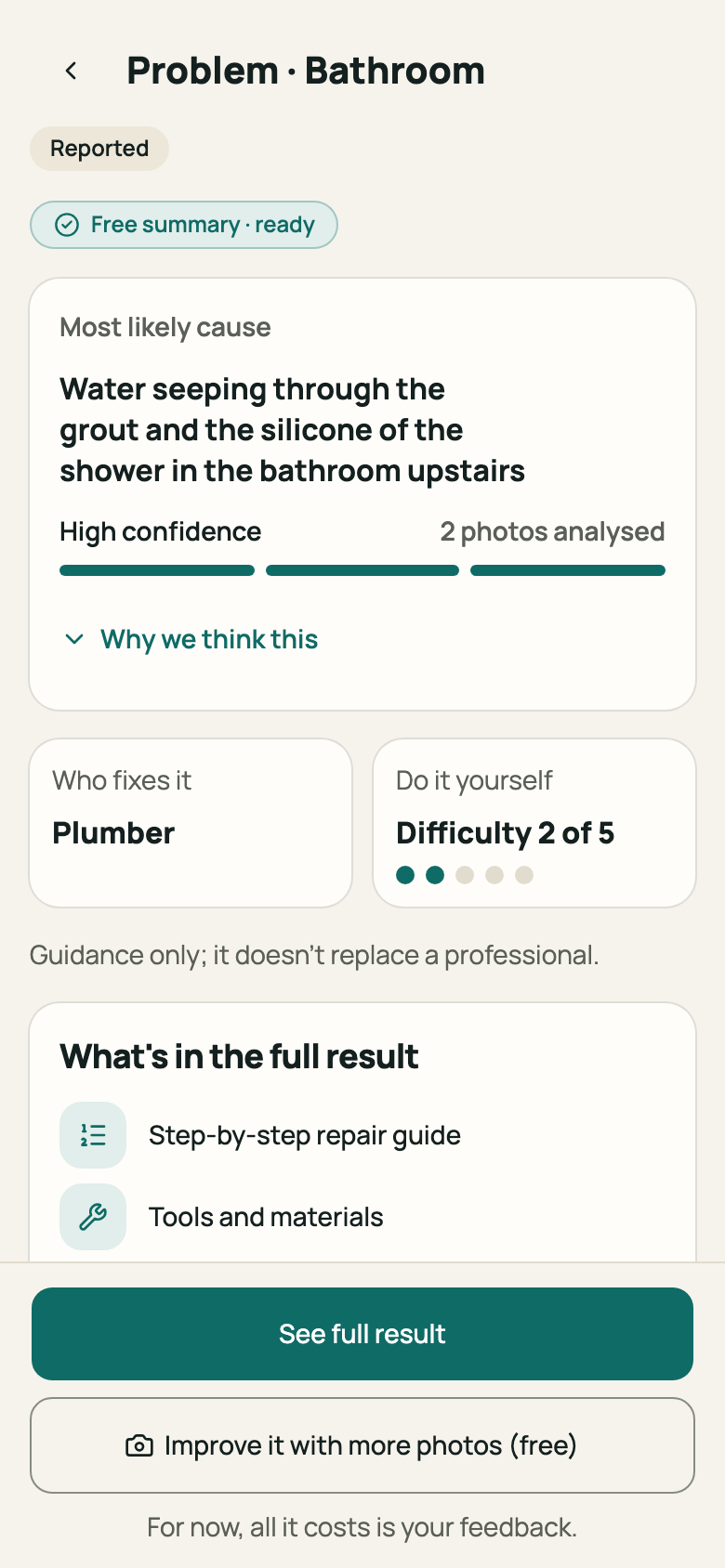
Step 1: Result summary with cause and confidence Look at “Who fixes it”, for example a plumber, and “Do it yourself”, with the “Difficulty” from 1 to 5. When it isn't recommended, “Not recommended” appears.
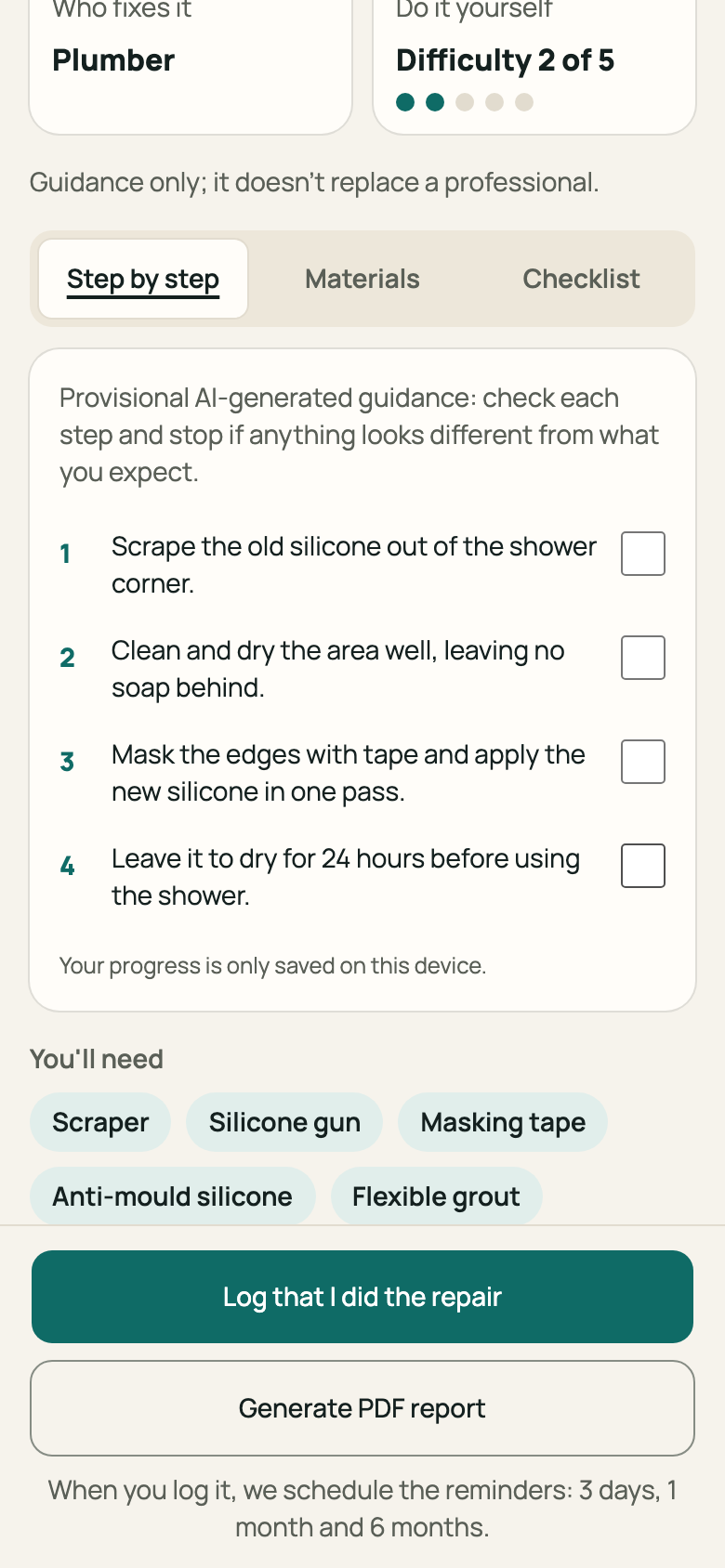
Step 2: “Who fixes it” and “Do it yourself” cards Tap “See full result” to open everything. The tabs are “Step by step”, “Materials” and “Checklist”.
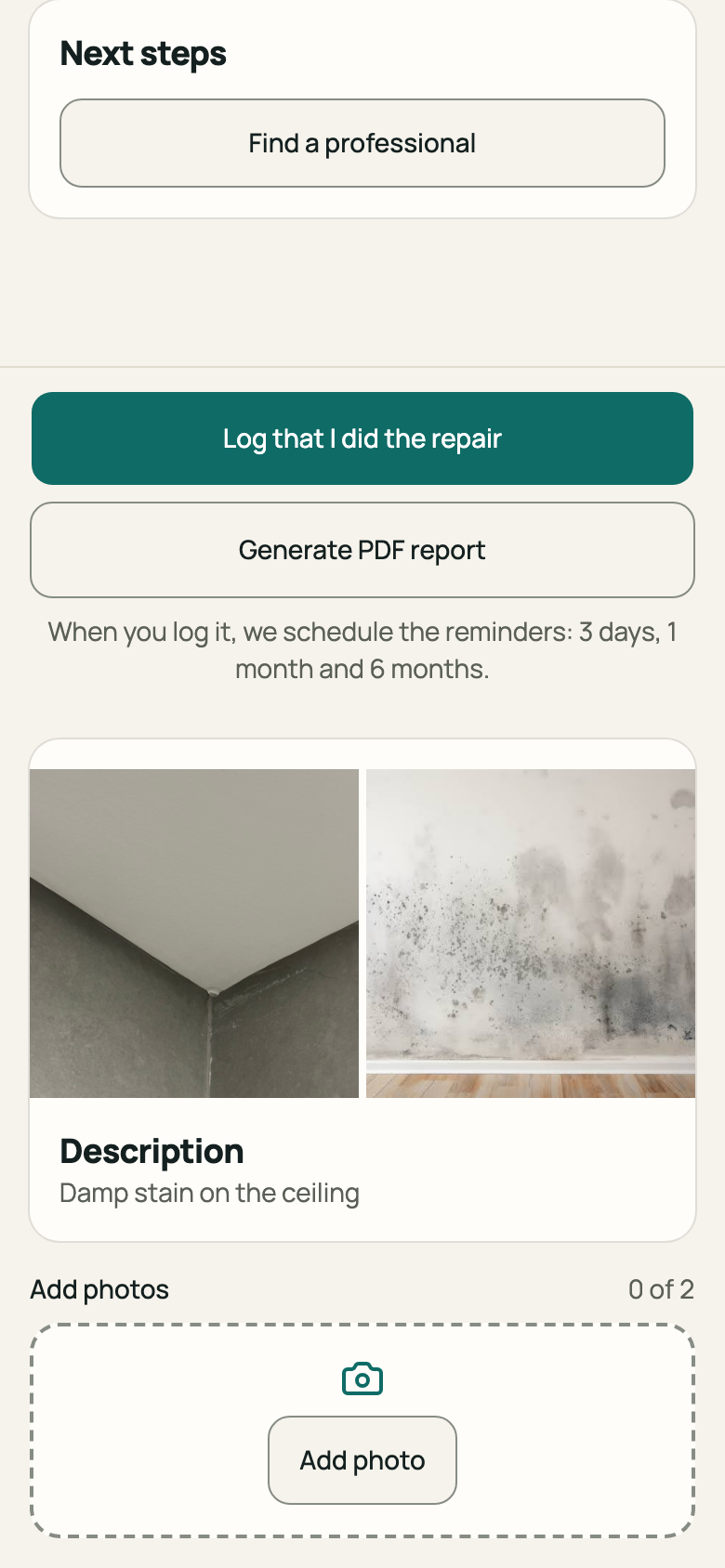
Step 3: Full result with the three tabs Use “Generate PDF report” to take the diagnosis and the checklist to your service provider.
Step 4: “Generate PDF report” button If a red warning appears at the top, such as “Possible gas leak: leave the premises and don't touch any switches”, follow the warning first. In immediate danger, call the emergency number shown on screen.
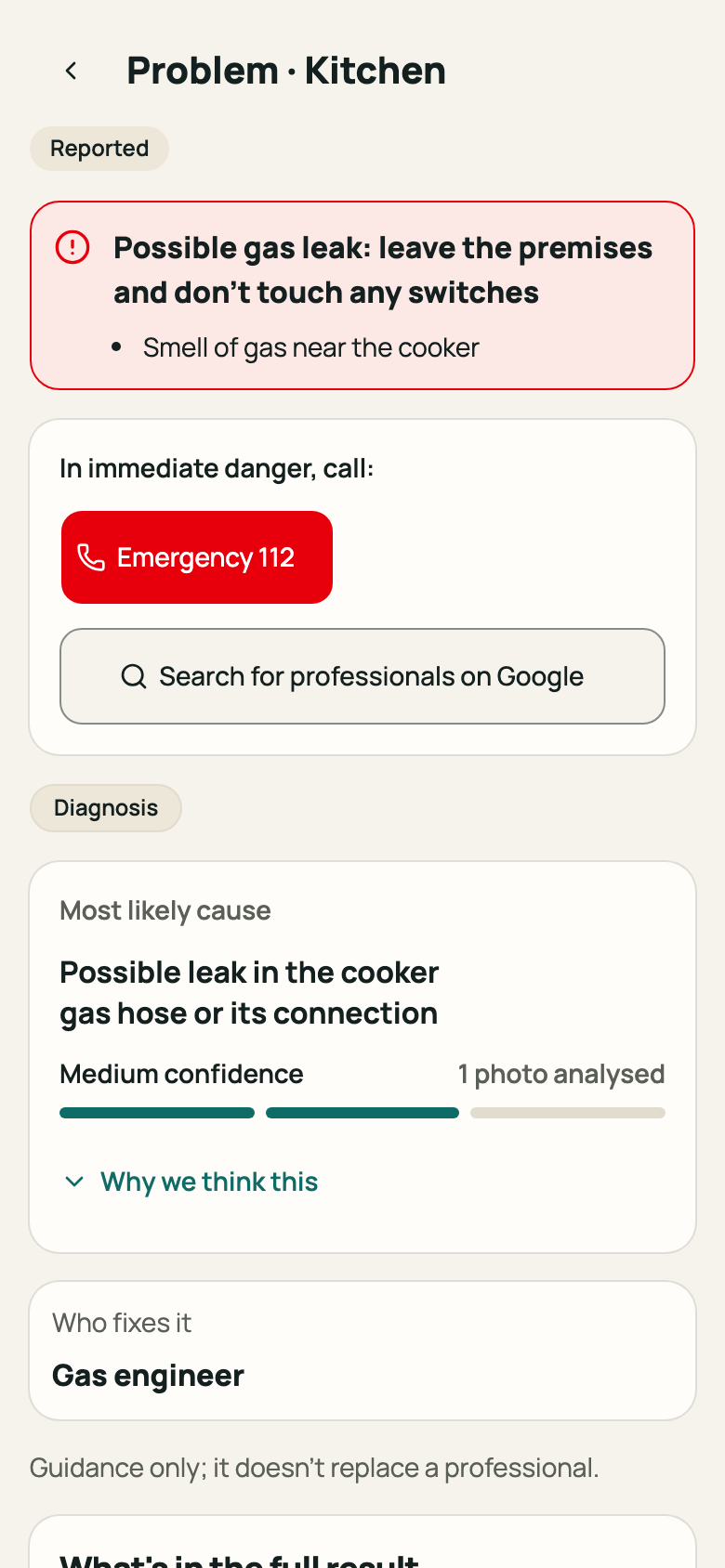
Step 5: Safety risk warning at the top of the problem
Good to know
- The result is guidance and doesn't replace a professional. Confidence shows how far the photos and description were enough.
- With “We need more information”, the analysis is still uncertain. You can improve it with more photos or open the result anyway; see Answer a request for more information.
- When there is a safety risk, the app doesn't show a do-it-yourself step-by-step. It shows the warning and the search for a professional.
Related articles
Was this helpful?
Thanks for the feedback.
Thanks! Since you didn't accept measurement cookies, we didn't send anything.
Still have a question? Talk to us