Answer when we ask for more information
Sometimes photos aren't enough for a safe analysis. Cuidasa tells you what's missing; you answer, and the same problem is re-evaluated.
When you'll need this
When the summary carries the notice “We need more information” and confidence is low, with the “Current hypothesis” in place of the cause.
Step by step
Open the problem and read the “To be sure” block. It has the question (“Answer:”) and the “Photos that help:”.
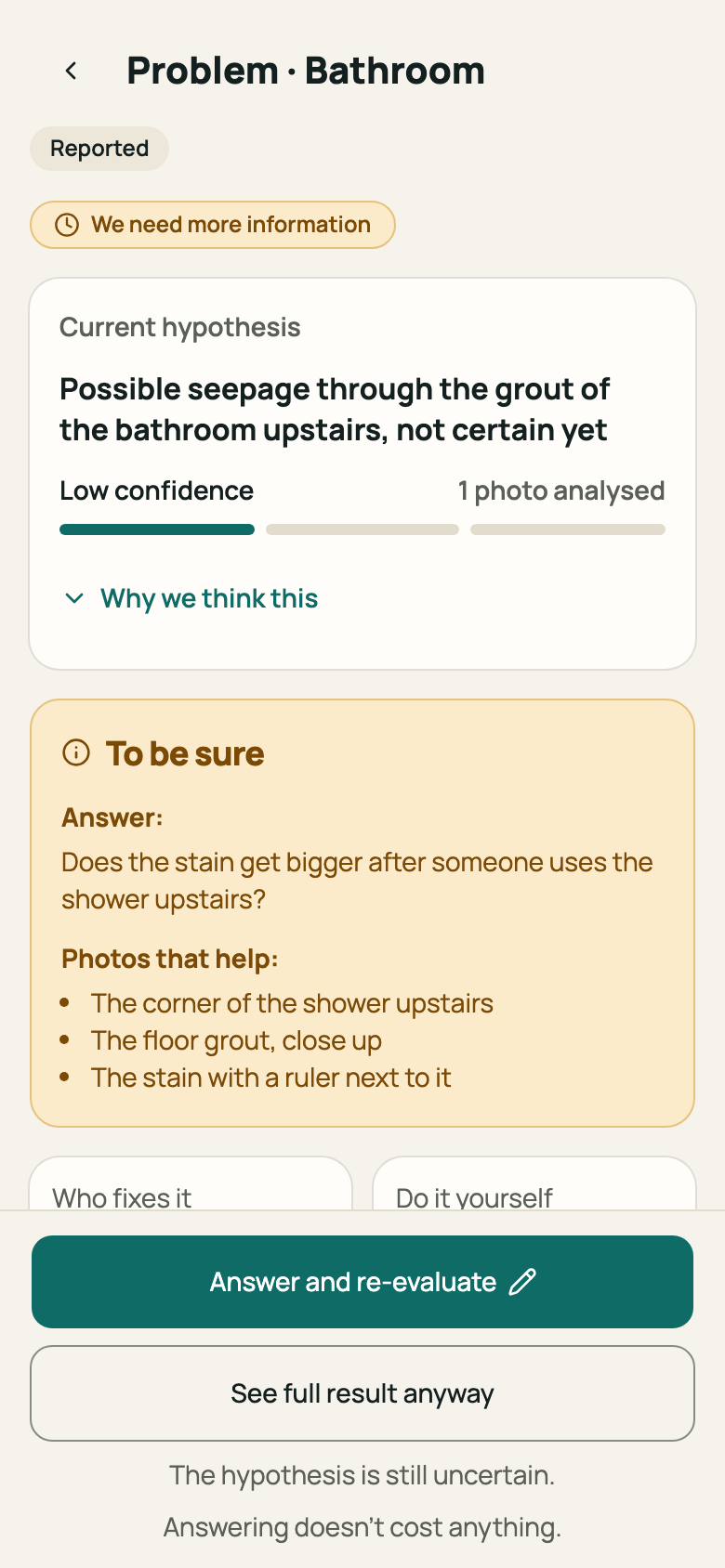
Step 1: “To be sure” block with the question and the photos that help Tap “Answer and re-evaluate”. The “Answer the diagnosis” panel opens.
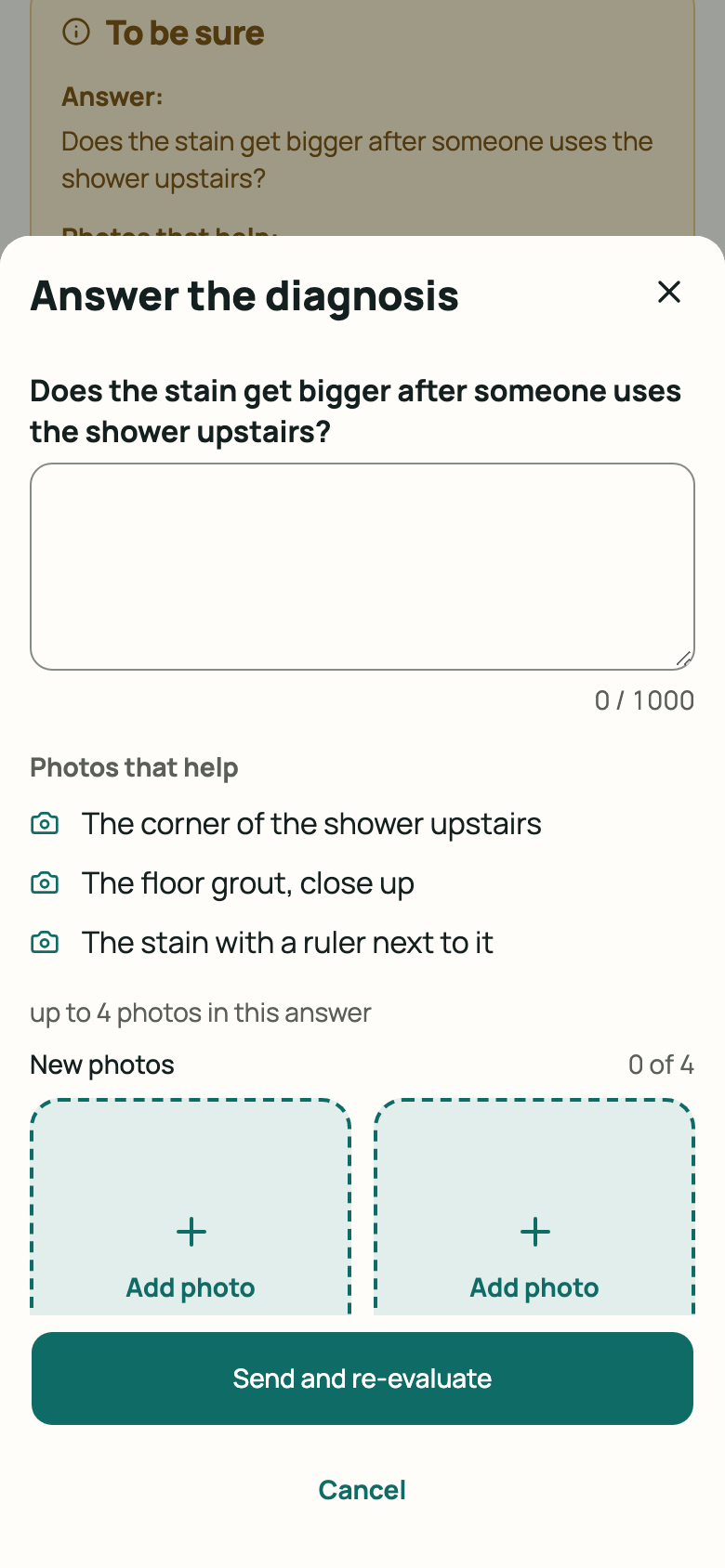
Step 2: “Answer the diagnosis” panel open Write your answer (up to 1,000 characters), add photos with “Add photo”, or both. The panel shows how many more photos fit.
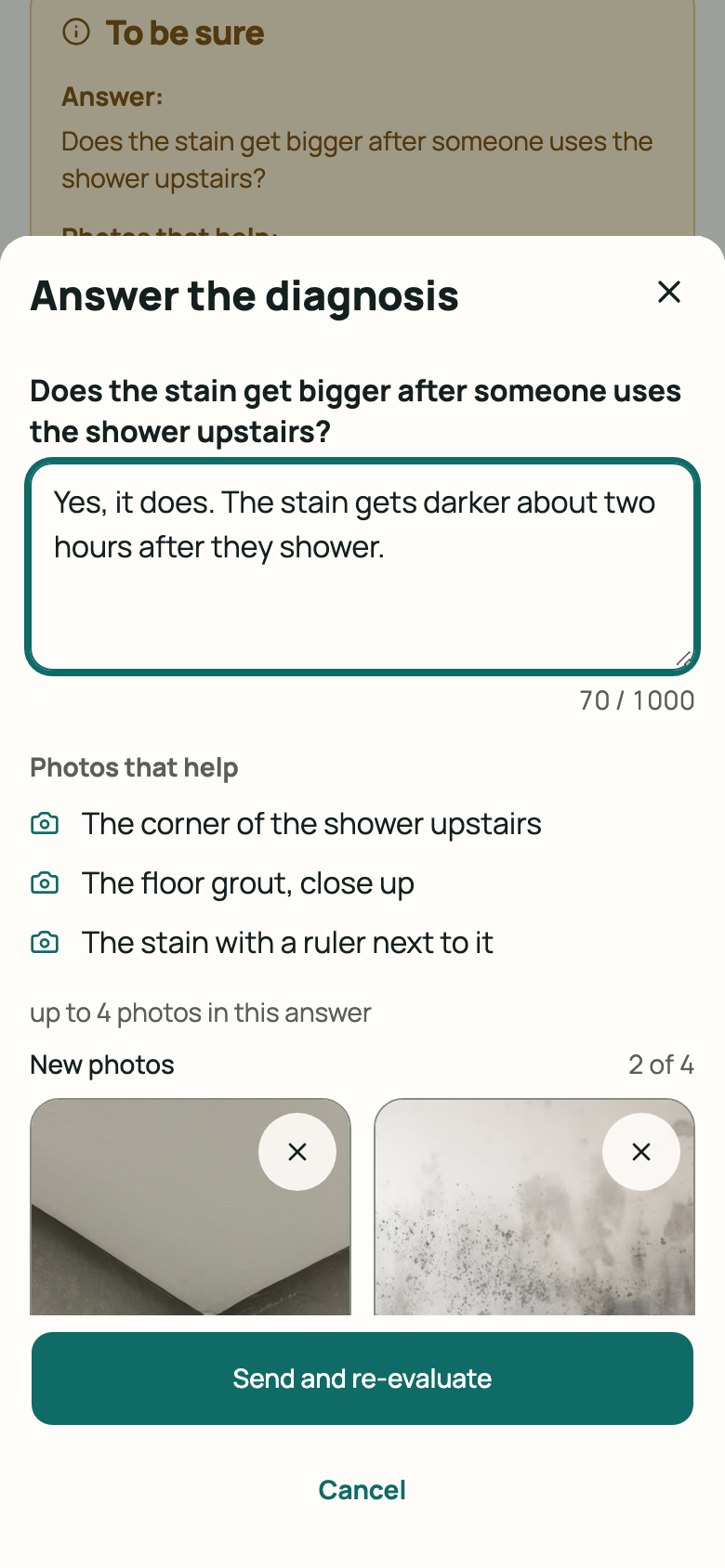
Step 3: Panel with text written and new photos Tap “Send and re-evaluate”. The screen shows “Analysing…” until it finishes.
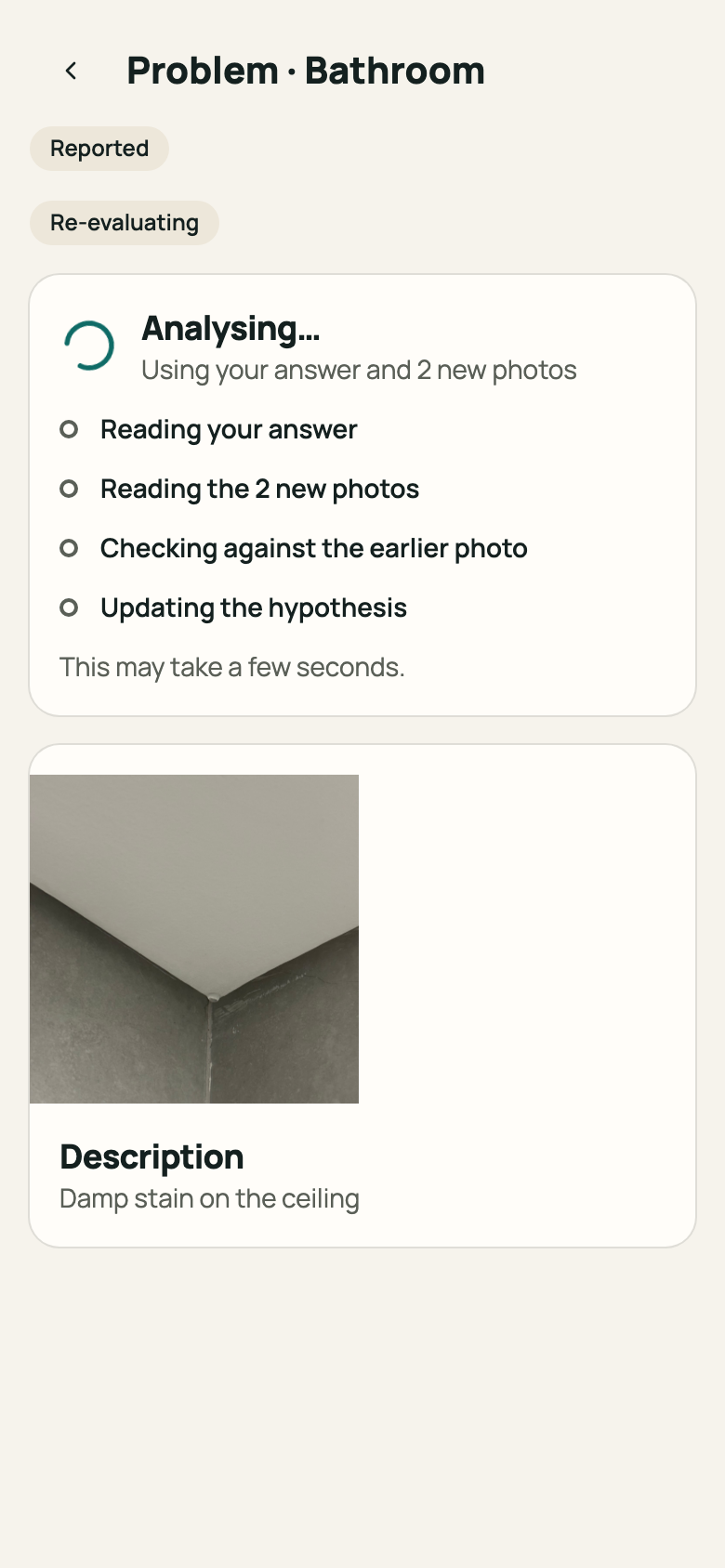
Step 4: Problem screen with “Analysing…” See the new result. The older analyses stay under “Earlier analyses”, with the date, the cause, the confidence and your answer.
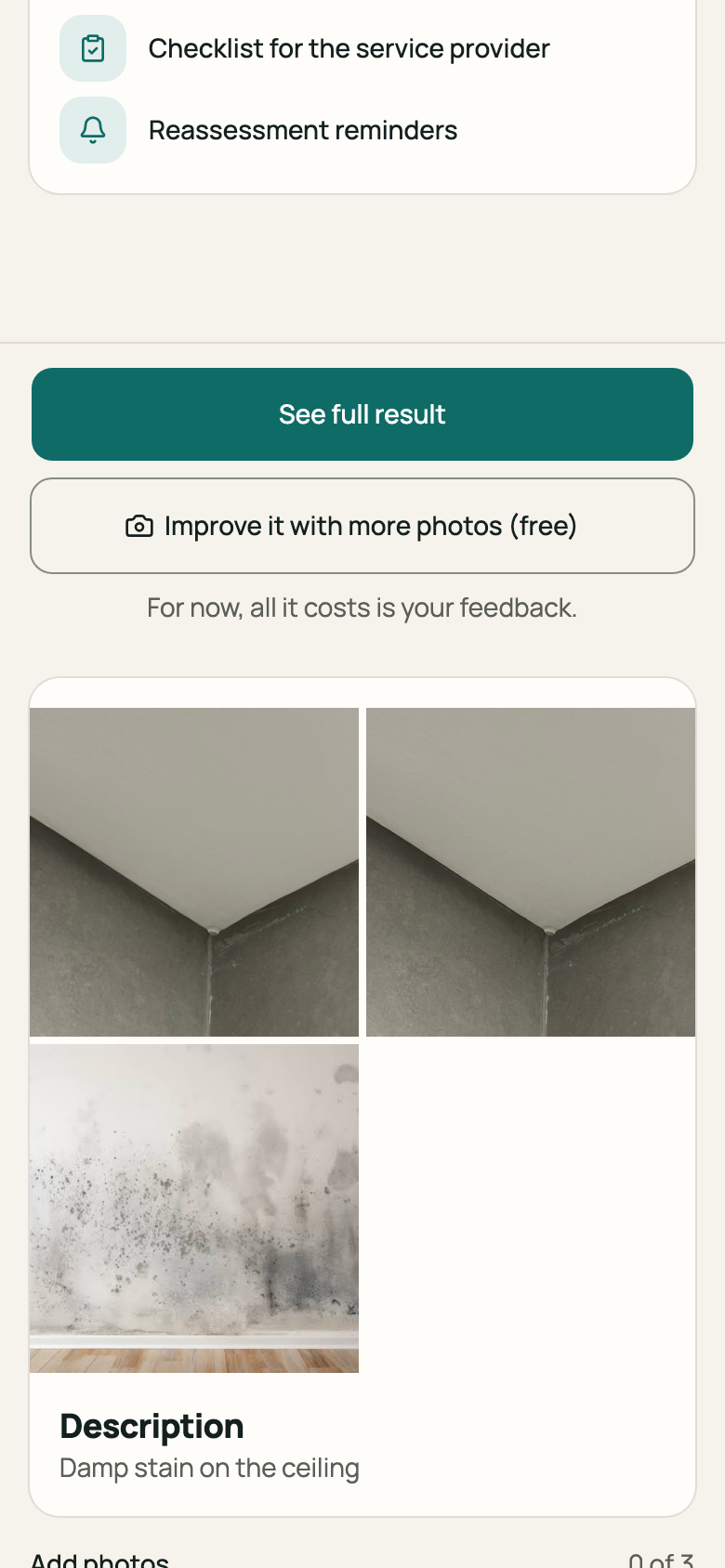
Step 5: “Earlier analyses” list
If you'd rather not answer now, tap “See full result anyway”. The notice says the hypothesis is still uncertain.
Good to know
- You can send up to 4 answer photos, in addition to the photos from your report. Each problem accepts 2 rounds of answers.
- If you had already unlocked the full result, it stays unlocked after the re-evaluation.
- Answering costs nothing. It doesn't replace calling a professional, either.
Related articles
Was this helpful?
Thanks for the feedback.
Thanks! Since you didn't accept measurement cookies, we didn't send anything.
Still have a question? Talk to us