Account, data and privacy
On the “Account” tab you adjust your profile and notices. To export or delete your data, for now you ask by email.
When you'll need this
When you want to change how you get reminders, recover your password or understand what we do with your photos.
Step by step
Open the “Account” tab. It holds “Your profile”, “Notifications”, “Language”, “Privacy and data” and “Send feedback”. Under “Language” you choose the language of the app, emails, diagnoses and new PDFs.
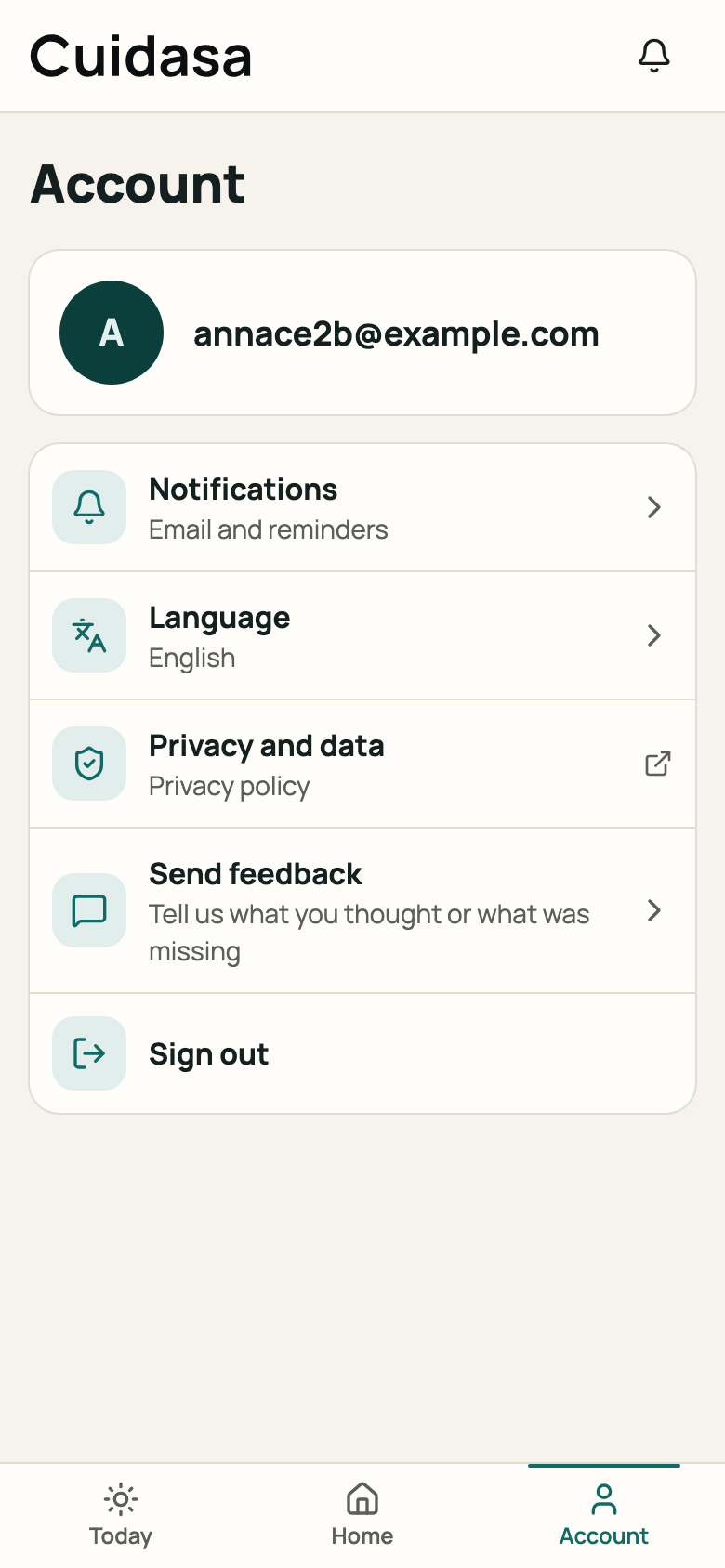
Step 1: Account tab with the list of options Tap “Notifications”. Each kind of notice has its own “In the app” and “Email” switches: tap to turn one on or off, and the choice is saved straight away. To stop email reminders, turn “Email” off under “Repair follow-up” and under “Preventive plan”.
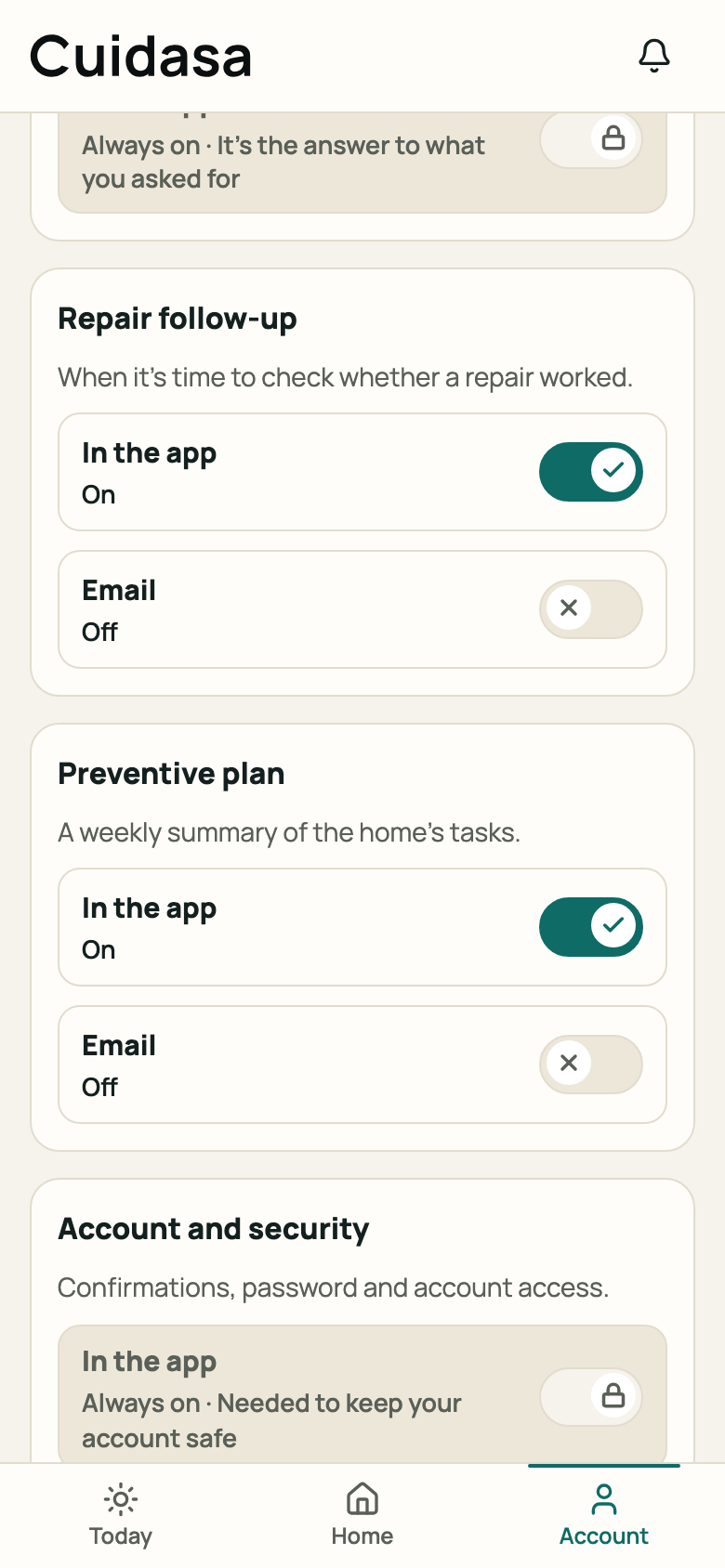
Step 2: “Notifications” screen Tap “Privacy and data” to read the Privacy Policy (it opens in another browser tab).
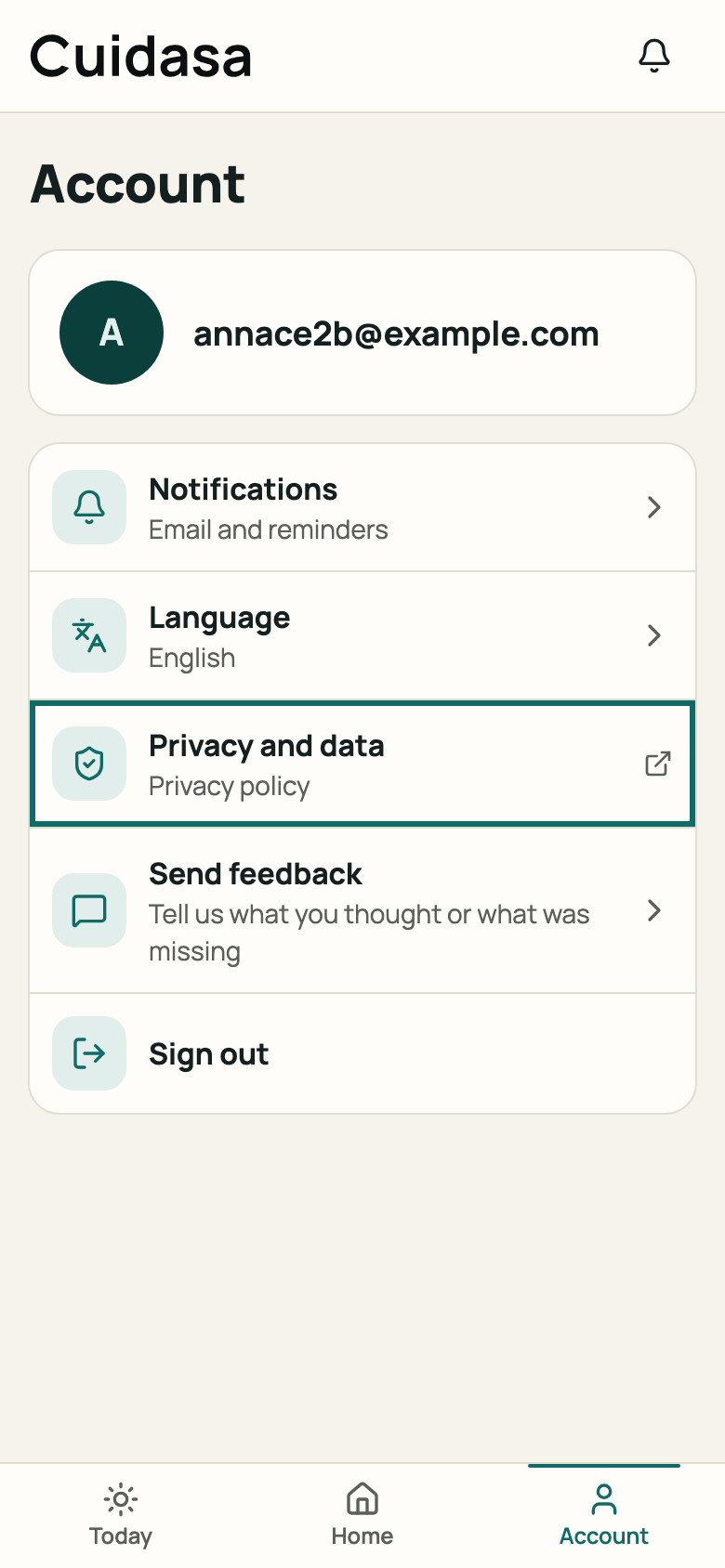
Step 3: “Privacy and data” item in Account If you forgot your password, on the sign-in screen tap “I forgot my password” and use the link that arrives in your email.
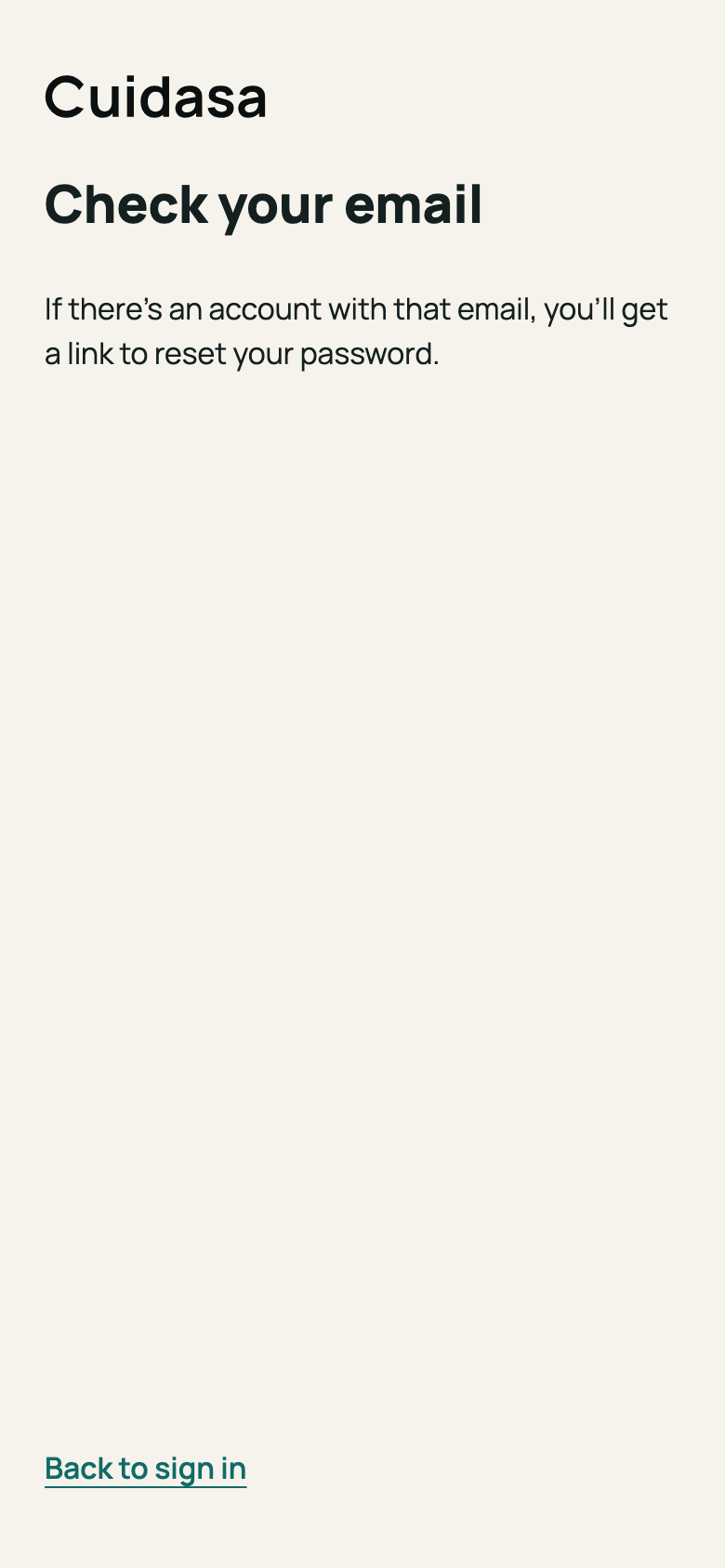
Step 4: “Reset password” screen To ask for a copy of your data or for your account to be deleted, write to [email protected]. We handle the request within 30 days.
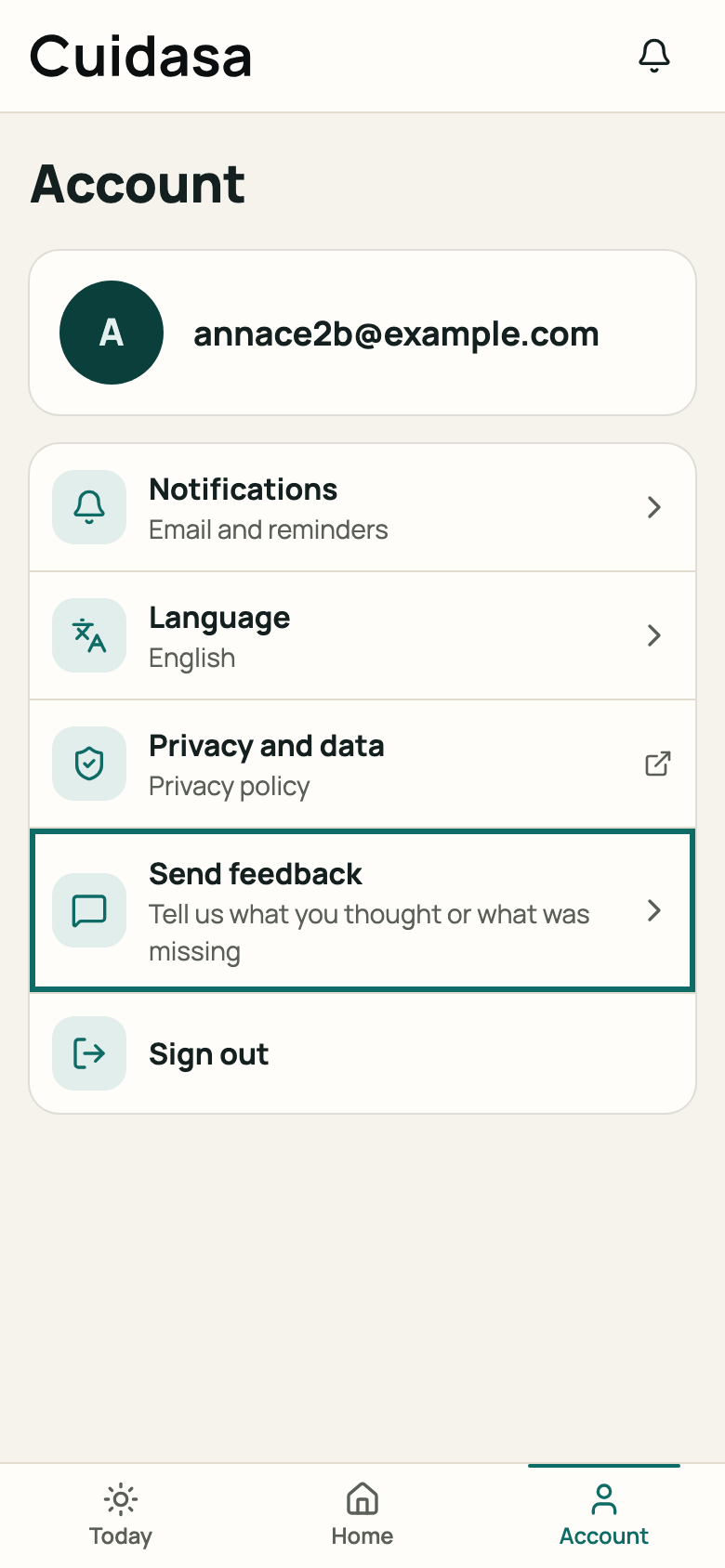
Step 5: “Send feedback” item and the contact address
Good to know
- Your photos and descriptions are sent to a third-party artificial intelligence service for the analysis. We don't send your name, email or home address.
- To delete just some photos or problems, write to the same email address.
- Some notices can't be turned off (for example, account and payment notices): they show as “Always on”. WhatsApp doesn't exist yet: the screen says “WhatsApp: coming soon”. Notifications on your device (push) are being tested and don't reach every account yet.
Related articles
Was this helpful?
Thanks for the feedback.
Thanks! Since you didn't accept measurement cookies, we didn't send anything.
Still have a question? Talk to us